After a Google core update, do not start with content rewrites. First determine whether the loss came from rankings, clicks, indexing, URL replacement, or site changes. Each pattern has a different recovery path.
Key Takeaways
- A post-update drop is not one problem. It can reflect lower rankings, click compression, page replacement, indexing issues, or self-inflicted site changes.
- The fastest way to avoid bad decisions is to compare clicks, impressions, average position, query classes, and page types before editing content.
- If another URL on your site starts winning the same query set, consolidation may help more than publishing a new article.
- Once Google data is stable, compare the same pages in AI Visibility and the Free AI SEO Checker to see whether the issue is broader than classic search.
The Short Answer
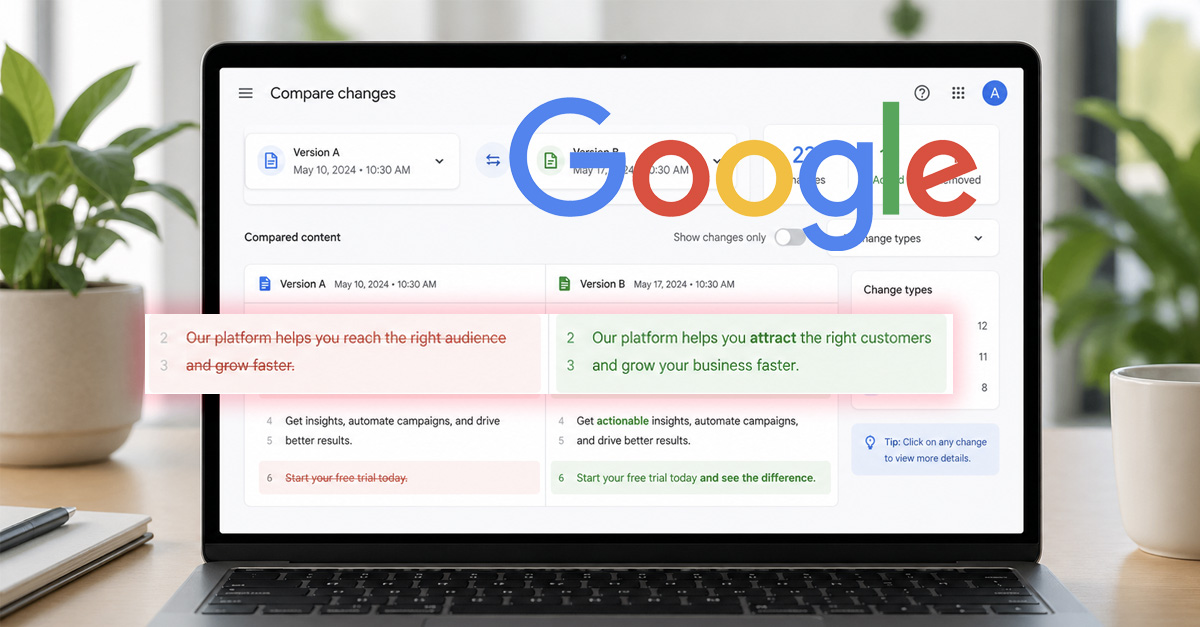
After a Google core update, the first job is not publishing more content or rewriting every page that dipped. The first job is determining what actually changed: rankings, clicks, query mix, page ownership, indexing, or site infrastructure.
Core updates often surface problems that were already present. A weaker page can lose to a better fit. A stale snippet can attract fewer clicks. A page cluster with overlapping intent can start swapping URLs. A technical change can amplify the damage at the same time. If you treat all of those outcomes as the same problem, you will almost always choose the wrong fix.
Quick Post-Update Checklist
- Compare clicks, impressions, and average position in Search Console.
- Check which query groups and page types fell.
- Verify indexing, canonicals, redirects, and crawl access.
- Review recent site changes, not just the update timeline.
- Confirm whether the right URL is still winning for the topic.
1. Confirm the Timing and Scope
Start by confirming that the decline lines up with the period you are worried about and that it is large enough to matter. Compare the affected dates against the previous 14 to 28 days, then segment the view by page group, device, country, and query type.
The key question is scope. Did the whole site slip, or only a topic cluster? Did service pages hold while blog posts fell? Did one country change while the others stayed stable? A broad decline can point to site-level or market-level issues. A narrow decline usually points to intent fit, URL competition, or page-level weaknesses.
2. Separate Click Loss From Ranking Loss
Many teams say they were hit by an update when what actually fell was clicks, not visibility. In Search Console, compare clicks, impressions, and average position together. If impressions and position are reasonably stable but clicks fell, you are likely looking at a CTR problem, not a large ranking collapse.
That distinction matters because the response changes. Ranking loss pushes you toward intent, page quality, and competition analysis. Click loss pushes you toward titles, meta descriptions, dates, and live SERP context. If the issue turns out to be packaging, our guide on how to improve organic CTR without ranking higher is the more precise next step.
3. Review Which Query Classes Fell
Do not treat every lost query the same. Separate branded from non-branded searches, informational from commercial searches, and broad head terms from longer, more specific queries. This tells you what kind of relevance changed.
If broad informational queries fall first, your content may no longer look like the best general answer. If commercial or comparison terms fall, stronger competitors or clearer commercial pages may now be winning. If branded queries hold while generic queries drop, the issue is probably not brand recognition. It is topic fit or result competitiveness.
4. Map the Affected Page Types
Next, map the pages that lost traffic by role. A blog post, service page, tool page, and category page should not be expected to react the same way. If one page type is taking most of the loss, you may be looking at a template issue or a repeated structural weakness.
This is also where site architecture matters. If your tools and core service pages remain stable while blog content falls, the issue may be informational intent fit rather than domain-wide trust. If the site needs a broader process for reviewing page roles and support paths, the AI SEO workflow page is a useful companion.
5. Check Indexing, Canonicals, Redirects, and Crawl Access
Core updates do not cancel technical SEO. A page can lose traffic after an update and still have a technical problem that makes recovery harder. Review index coverage, canonical targets, redirects, robots rules, XML sitemaps, rendered HTML, and status codes for the affected URLs.
Pay special attention to whether Google is still selecting the URL you intend to rank. If canonical logic changed, redirect chains grew, or internal links started favoring a different page, Google may be reassigning ownership. When structured data changed around the same time, validate that it still matches the visible page using the Free JSON-LD Schema Generator.
6. Audit Recent Site Changes Before Blaming the Update
Teams often anchor too hard on the update and ignore what changed on their own site. Review the previous few weeks of releases across templates, headings, title logic, internal links, schema, publishing workflows, redirects, and performance behavior.
Look for changes that affected many pages at once: title-template rewrites, new breadcrumb logic, moved content blocks, rewritten intros, pagination changes, JavaScript rendering shifts, or navigation edits that reduced internal support. If the drop is broad and sharp, also review infrastructure history. The post on how a DNS misconfiguration disrupted SEO is a reminder that technical incidents can look like algorithm fallout.
7. Look for Page Replacement and Cannibalization
Sometimes a core update does not remove you from the result set. It simply promotes a different page from your own site. That is why you should compare the top landing pages and top query-to-URL mappings before and after the drop.
If another page on your domain now ranks for the same search intent, the problem may be overlap rather than page quality alone. In that case, do not solve it by publishing another version of the same answer. Use a consolidation workflow instead. Our guide on how to fix content cannibalization properly covers how to choose the right owner URL and rebuild internal support.
8. Inspect SERP Presentation and Click Compression
Even after a core update, some traffic losses are really result-page changes. If your page still earns impressions but fewer clicks, open the live SERP and inspect what searchers now see before your result. Rich snippets, forum blocks, video packs, shopping modules, and AI answer layers can all reduce clicks without fully removing visibility.
When click compression is the real issue, the better response is usually cleaner snippet packaging, stronger specificity, and tighter alignment between the search result and the page opening. That is a very different job from rewriting the entire article.
9. Review Repeated Page Quality Patterns
Once you have ruled out technical issues and page replacement, inspect the affected pages as a group. Do they all open weakly? Are they too generic for the query? Do several pages answer the same question with only slight wording changes? Are important claims unsupported, vague, or buried too deep?
Look for repeatable patterns rather than isolated flaws. If ten losing pages all have the same problem, fix the pattern. Common examples include stale intros, unclear page purpose, broad titles that hide the real angle, or supporting sections that do not help the page stand out. If you need a page-level clarity review after the diagnosis, the Free AI SEO Checker can help surface structure and interpretation issues before you rewrite at scale.
10. Compare Google Shifts With AI Visibility
This site focuses on search visibility across both Google and AI-driven surfaces, so the last check is comparative. If Google traffic fell for a page cluster, see whether those same pages also became weaker in AI mentions or citations. Use AI Visibility to compare representation, then review whether page clarity still holds.
This comparison helps you avoid overcorrecting. If Google traffic fell but AI mentions stayed steady, you may be dealing with a classic SERP or click problem rather than a full trust collapse. If both fell together, the issue is more likely to be page clarity, topical competition, or structural weakness across the content system. For the broader strategic model behind that comparison, see AI SEO and the monthly AI visibility review workflow.
Recovery Order: What to Fix First
Once the diagnosis is clear, sequence the work.
- Fix measurement, infrastructure, indexing, canonical, or redirect issues first.
- Resolve page replacement and cannibalization if the wrong URL is winning.
- Improve titles, descriptions, dates, and SERP alignment if impressions held but clicks fell.
- Refresh or consolidate content only after the data points to real page-quality or intent-fit problems.
- Recheck the same pages in both Google data and AI visibility workflows so the fix improves overall search clarity, not just one dashboard.
That order protects you from expensive rework. It also keeps a core update from becoming an excuse to make random edits across the whole site.
FAQ
Should I update every page that lost traffic after a core update?
No. Start with the pages that show the clearest pattern and highest business value. If the same weakness repeats across a page group, fix the pattern, not just the single URL.
How long should I wait before making changes?
Long enough to confirm the pattern and diagnose the cause, but not so long that a clear technical issue sits unresolved. Technical problems should be fixed immediately. Editorial changes should follow evidence.
Should I publish more content right after a core update?
Usually no. If the site already has overlap, new content can make the problem worse. Stabilize page roles, internal support, and indexing first.
What if I want to know whether AI tools still mention my site?
Then pair this checklist with how to check if ChatGPT or other AI tools mention your website. That gives you a repeatable way to compare Google changes with AI search visibility.
Final Takeaway
A Google core update does not tell you what to fix by itself. It only tells you that search outcomes changed. Your job is to identify whether the change came from rankings, clicks, indexing, URL ownership, or repeated page weaknesses, then respond in that order.
The common mistake is creating more content or rewriting good pages too early. The better move is simpler: classify the loss, verify the mechanics, then choose the smallest fix that matches the evidence.